Social media client approval without the e-mail thread
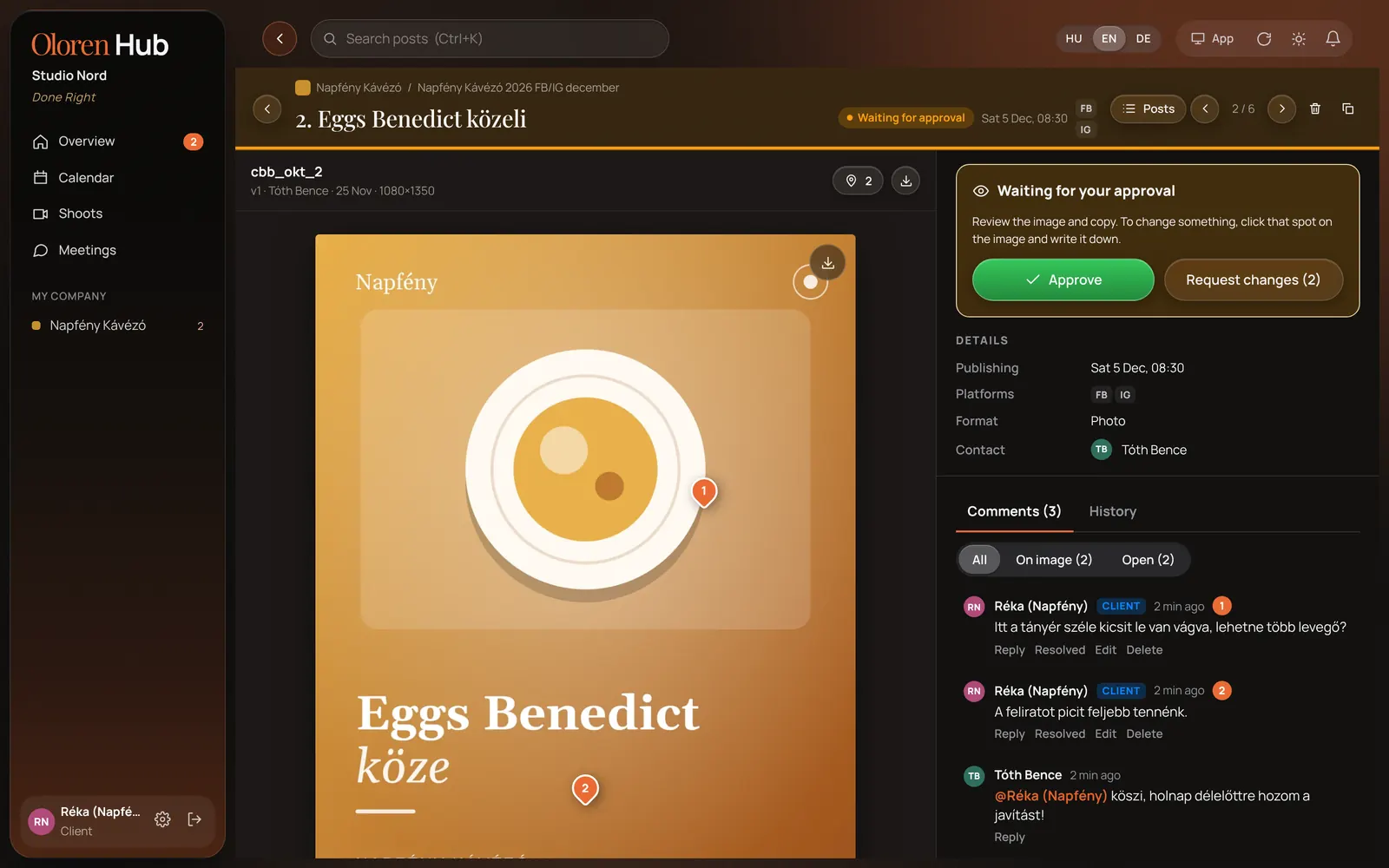
In social media work most of the time is not spent creating content but waiting for someone to sign it off. In OlorenHub your client sees in one place what needs their approval and gives it with one click.
No card required. After the trial you stay on the free plan and keep your data.
How does the client approve?
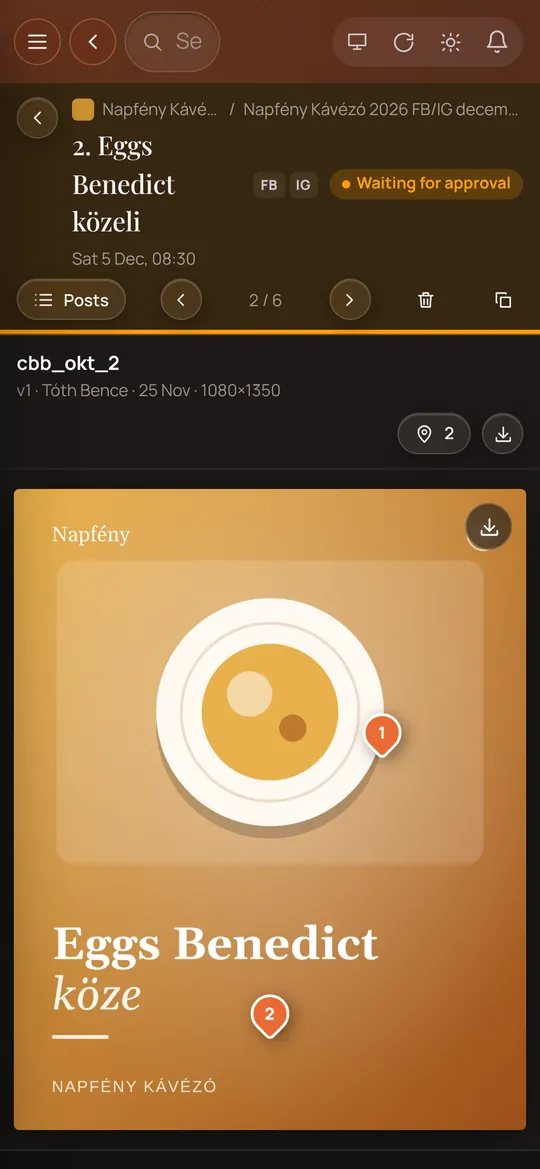
Your client receives an invitation and signs in with their own account, in the browser or on the phone. Their home screen shows the posts waiting for them. They open a post, look at the image and the copy, then approve it or request changes.
Nothing to install and nothing to pay for
They only see the material of their own brand
You are notified of the decision immediately
Comments exactly where the change is needed
Feedback like "move the logo down a bit" is easy to misread in an e-mail. Here the client clicks on the image and pins the comment where the change is needed. Comments can be answered and marked as resolved.
Several numbered comments on one image
Variants (A and B) side by side
When a new version is uploaded, it is clear what changed
A history you can search
Every decision is recorded: who approved and when, who requested changes and what they asked for. When a question comes up weeks later, there is no need to dig through e-mails.
Statuses: waiting for client, changes requested, approved
Reminders when a request has gone unanswered
Approved posts can go straight into the schedule
Frequently asked questions
Does the client need a paid account?
No. One client contact per brand joins free of charge on every plan.
What happens if the client requests changes on a post that is already scheduled?
The post is taken off the schedule automatically, so it does not go out in its old version. After the fix you can send it for approval again.
Can posts be approved on a phone?
Yes. The interface is optimised for phones, can be installed as an app and sends push notifications about new posts.